There’s a specific kind of annoying that only happens when your hands are full of grocery bags and your phone is buried in your pocket. That’s the moment “Hey Siri, unlock the front door” earns its keep. Not every smart lock actually does this well, though — plenty of them advertise “smart home compatible” on the box and then bury Siri support behind a hub you have to buy separately, or a firmware update that never quite ships.
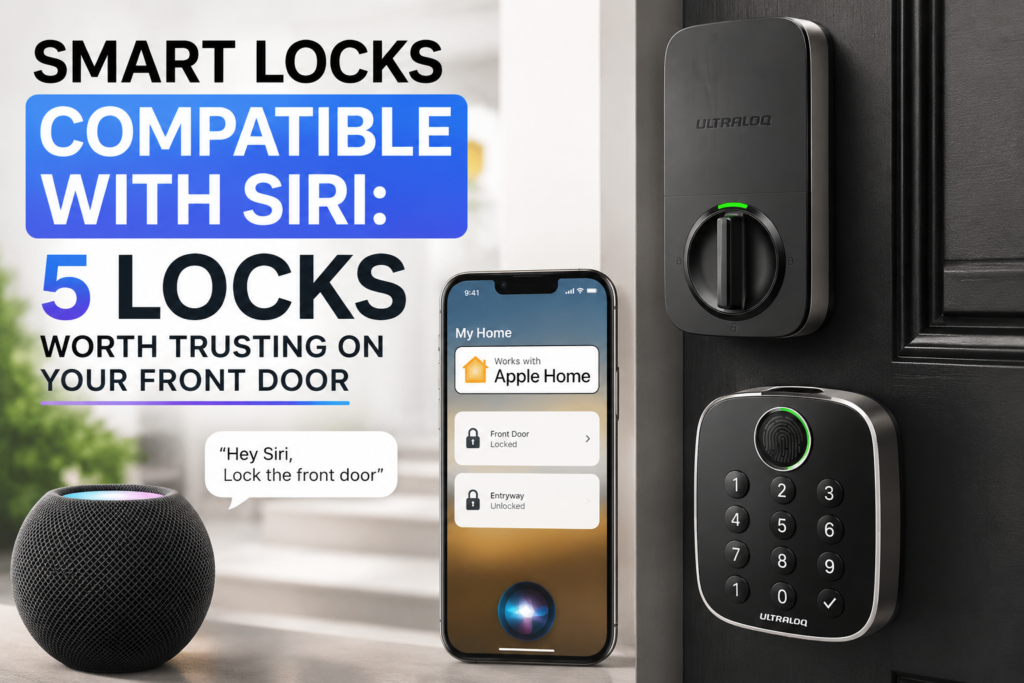
I went through the smart locks that genuinely work with Apple’s Siri and HomeKit ecosystem — not just Alexa or Google with Siri tacked on as an afterthought — and narrowed it down to five that are actually worth installing on a front door. Here’s what each one gets right, where it falls short, and which type of household it actually fits.
Quick Primer: What “Works with Siri” Actually Means
Before you buy anything, it helps to know that “Siri compatible” isn’t one single standard — there are a couple of different flavors, and they behave differently in practice.
Some locks, like the ULTRALOQ and the newer Yale Assure models, connect straight to your home Wi-Fi and talk to Apple Home directly. No extra box needed. Others, like the Schlage Sense and Kwikset Premis, rely on Bluetooth and need something else in the mix — an Apple TV, HomePod, or HomePod mini acting as a “home hub” — to unlock Siri commands when you’re not standing right next to the door. If you already own one of those Apple devices, this isn’t really a downside. If you don’t, it’s worth factoring into the price before you buy.
Can you control HomeKit with Siri?
Yes, you can control HomeKit-enabled devices using Siri. HomeKit is Apple’s smart home platform that allows you to control various smart home devices, such as smart locks, lights, and thermostats, using your iPhone, iPad, or other Apple devices.
Top 5 Best Siri Compatible Smart Lock
These smart locks offer seamless integration with Siri, allowing you to lock and unlock your door using voice commands.
1. ULTRALOQ Bolt Fingerprint WiFi Smart Lock
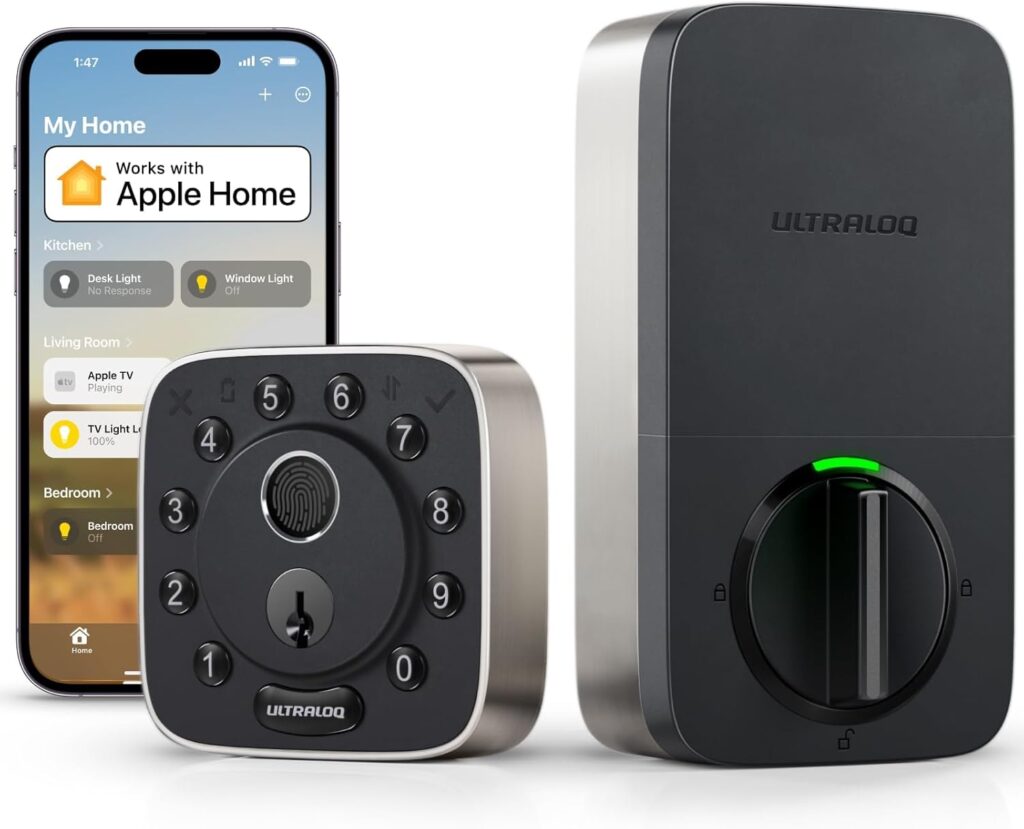

This is the one I’d point most people toward first. It’s not an Apple-exclusive product like the Kwikset or the older Schlage — it works with HomeKit, Alexa, and Google Assistant all at once, so you’re not locked into Apple’s ecosystem forever if your household has a mix of iPhones and Android phones.
What actually makes it stand out day-to-day is the fingerprint reader. It’s fast — Ultraloq claims around 0.3 seconds to unlock — and it means you’re not always reaching for your phone just to say “unlock the door” out loud, which, let’s be honest, feels a little silly to do every single time you walk in with your hands full.
What you get:
- Built-in Wi-Fi, so there’s no separate bridge or hub to buy
- Fingerprint recognition alongside keypad code, app, and Siri voice control
- Auto-unlock when your phone is nearby, plus auto-lock when the door closes
- A backup mechanical key, in case the battery dies at the worst possible moment
Where it falls short: the app and setup process aren’t quite as polished as Yale’s or Schlage’s — a few users mention it takes a couple of tries to get the Wi-Fi pairing right. Once it’s connected, though, it’s re
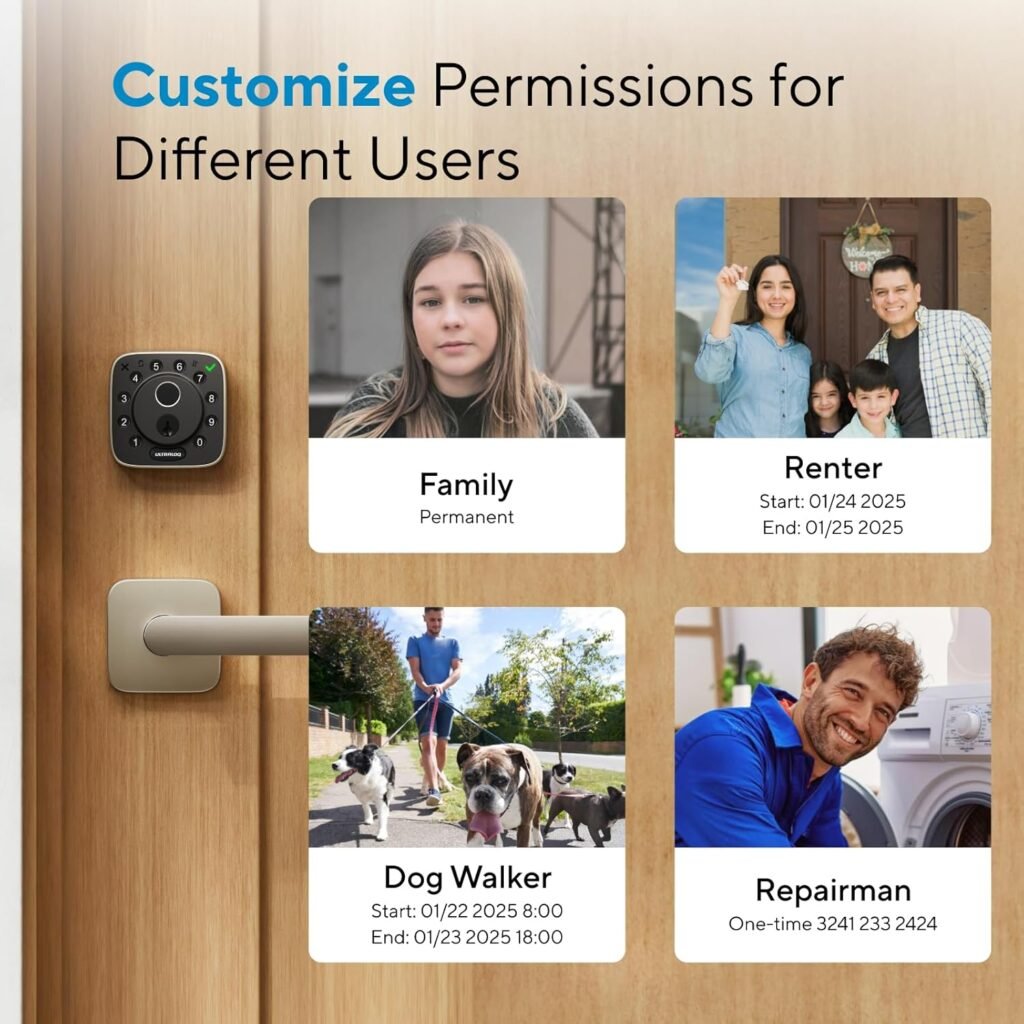
Pros
-
Fast and reliable fingerprint recognition
-
Remote access without extra hubs
-
Works with major voice assistants
-
Stylish, durable design
-
Multiple entry options (fingerprint, app, voice)
Cons
-
Requires stable WiFi for remote features
-
Slightly higher price compared to basic smart locks
2. Schlage Sense Smart Deadbolt Work With Siri
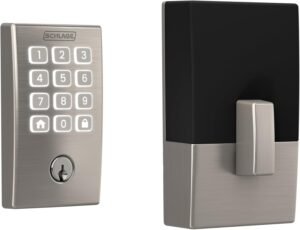

Schlage has been making deadbolts for a long time, and it shows in how solid this one feels physically — it’s not the flashiest smart lock on this list, but it’s the one that feels the most like a “real” deadbolt that happens to also talk to Siri.
Out of the box, this lock pairs with Apple HomeKit over Bluetooth, meaning Siri control works as soon as you’ve added it to the Home app. No firmware gymnastics, no separate purchase required just to get basic voice control working near the door.
What you get:
- Native HomeKit pairing — Siri works immediately after setup
- A touchscreen keypad as a backup entry method if you’d rather not talk to your phone
- Optional Schlage Sense Wi-Fi Adapter, which adds remote control and Alexa support if you want it later
- Available in Century or Camelot trim styles, so it can actually match your door hardware instead of looking bolted-on
Where it falls short: without the Wi-Fi adapter, Bluetooth range is limited, meaning “Hey Siri, unlock the door” from your bed on the other side of the house won’t work unless you’ve got a HomeKit hub nearby to relay the command.
3. Yale Assure Lock SL Work With Siri
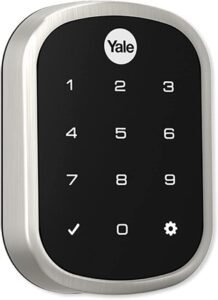

If the idea of a physical keyhole on your front door bothers you at all, this is the lock to look at. There’s no key cylinder — just a clean touchscreen keypad, which also happens to make it one of the better-looking smart locks on this list if you care about matching modern hardware finishes.
Siri support comes through Yale’s HomeKit-enabled hardware, and once it’s set up, you get the same “ask and it happens” convenience as the other locks here, minus the keyhole most burglary guides point to as a common weak point on traditional deadbolts anyway.
What you get:
- Fully keyless design with a lit touchscreen keypad for code entry
- Works with the Apple Home app and Siri voice commands
- Up to 25 user codes manageable through the Yale Secure or Yale Access app
- Installs with just a screwdriver on standard door prep — no rewiring
The yale assure lock 2 plus is a sleek and stylish smart lock that works with Siri. It offers a range of security features, including a tamper-proof cover and auto-lock functionality.

Where it falls short: losing power on the keypad side means you’re depending entirely on the code or app to get in, since there’s no traditional key backup — worth knowing if you like having an old-fashioned physical key as a fallback.

4. Kwikset Premis Work With Siri

This one is blunt about who it’s for: the Premis is HomeKit-only. It doesn’t bother with Alexa or Google Assistant integration at all, and it won’t even pair with an Android phone. If your entire household is on iPhones and you don’t see that changing, that’s not really a con — it just means Kwikset built this specifically for you instead of trying to please everyone.
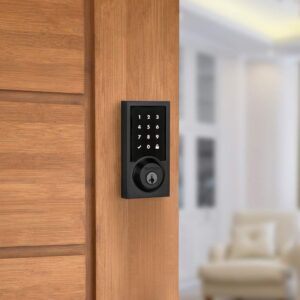
What you get:
- Deep, exclusive Apple HomeKit integration, including Siri voice control and lock-history checks
- SecureScreen technology, which randomizes the numbers shown before your code entry to stop someone reading fingerprint smudges off the keypad
- Kwikset’s SmartKey re-key technology, letting you re-key the lock yourself in seconds if you ever need to
- ANSI/BHMA Grade 2 security certification
Where it falls short: remote access (checking or controlling the lock when you’re not home) requires an Apple TV or HomePod acting as a hub, and there’s genuinely no fallback if someone in your household switches to Android down the line.
5. Yale Assure Lever Smart Lock Work With Siri


Most smart locks assume you’re upgrading a deadbolt. This one solves a different problem: doors that only have a single-hole prep and a lever or knob, no deadbolt at all — garages, sheds, interior office doors, basement doors. It was actually the first HomeKit-enabled smart lock built specifically for that kind of door, which is a fairly narrow niche most other brands still ignore.
What you get:
- Built for single-cylinder doors with no separate deadbolt, expanding where you can actually put a smart lock in your home
- Wi-Fi built in, so Siri, Alexa, and Google Assistant all work without a bridge
- Auto-lock and auto-unlock based on proximity, same as Yale’s deadbolt models
- Backlit keypad as a non-phone backup entry method
Where it falls short: because it’s a lever, not a deadbolt, it’s a better fit for interior and secondary doors than a primary front entrance — pair it with an actual deadbolt lock elsewhere if security on your main entry point is the priority.
Which Smart Lock Should You Actually Buy?
- Want one lock that plays nicely with everyone’s phone, not just Apple’s? Go with the ULTRALOQ — it doesn’t force you into HomeKit exclusively.
- Already have an iPhone-only household and don’t mind an Apple TV or HomePod in the mix? The Kwikset Premis is built exactly for that setup.
- Want the simplest possible HomeKit pairing with a classic deadbolt feel? Schlage Sense.
- Hate the idea of a keyhole on your door at all? Yale Assure Lock SL.
- Trying to smart-lock a door that doesn’t even have a deadbolt? Yale Assure Lever is really the only purpose-built option here.
Frequently Asked Questions
Do all smart locks that mention Siri actually support Apple HomeKit?
Not always — some products advertise “voice control” broadly and only mean Alexa or Google Assistant, with Siri support added later or not at all. Check specifically for “Works with Apple HomeKit” in the listing, not just “smart lock with voice control,” before assuming Siri will work.
Do I need an Apple TV or HomePod for Siri to control my smart lock?
It depends on the lock and how you want to use it. If you’re standing right next to a Bluetooth-based lock like the Schlage Sense or Kwikset Premis, Siri on your iPhone can control it directly. But for remote control — locking or unlocking from outside your home’s Wi-Fi range — you’ll need a HomeKit hub, which is an Apple TV, HomePod, or HomePod mini.
Can I use Siri to unlock my door, or only to lock it?
This varies by lock and by Apple’s own security defaults. Some locks and setups only allow Siri to lock a door, requiring a code or the Home app to unlock it, as an added security measure. Check the specific lock’s listing and Apple’s HomeKit settings to see which actions are enabled for your setup.
Are HomeKit smart locks more secure than traditional deadbolts?
Security depends more on the physical lock hardware and certification (like ANSI/BHMA Grade ratings) than on whether it happens to support Siri. A HomeKit-enabled lock with a strong deadbolt and a good grade rating is a security upgrade; the smart features add convenience and monitoring, not a replacement for solid hardware.
What happens if my Wi-Fi or Bluetooth connection goes down?
Every lock on this list includes a manual backup — either a physical keypad code, a backup mechanical key, or both — specifically so a dead connection or a power outage doesn’t lock you out of your own home.
Can I install these smart locks myself?
Yes, all five are designed for DIY installation with a screwdriver on standard door preparations, typically taking 15–30 minutes. That said, always measure your door’s thickness, backset, and bore hole size against each lock’s specifications before ordering, since not every lock fits every door out of the box.
The Bottom Line
If you just want the most flexible, least fussy option, the ULTRALOQ Bolt Fingerprint WiFi Smart Lock is where I’d start — it works with Siri without forcing you into an all-Apple household, and the fingerprint reader ends up being the feature you actually use most, not the voice control. But if you’re already deep into Apple’s ecosystem and want a lock built specifically around it, the Kwikset Premis or Schlage Sense are both worth the slightly higher price for how cleanly they fit into HomeKit.
As an Amazon Associate, [Site Name] may earn from qualifying purchases made through links on this page.
How Smart Locks Impact Security And Privacy?
These innovative devices provide a convenient and advanced alternative to traditional locks. The focus of this article is to delve into how smart locks impact security and privacy and explore the benefits they offer in terms of protecting your home while maintaining your privacy.